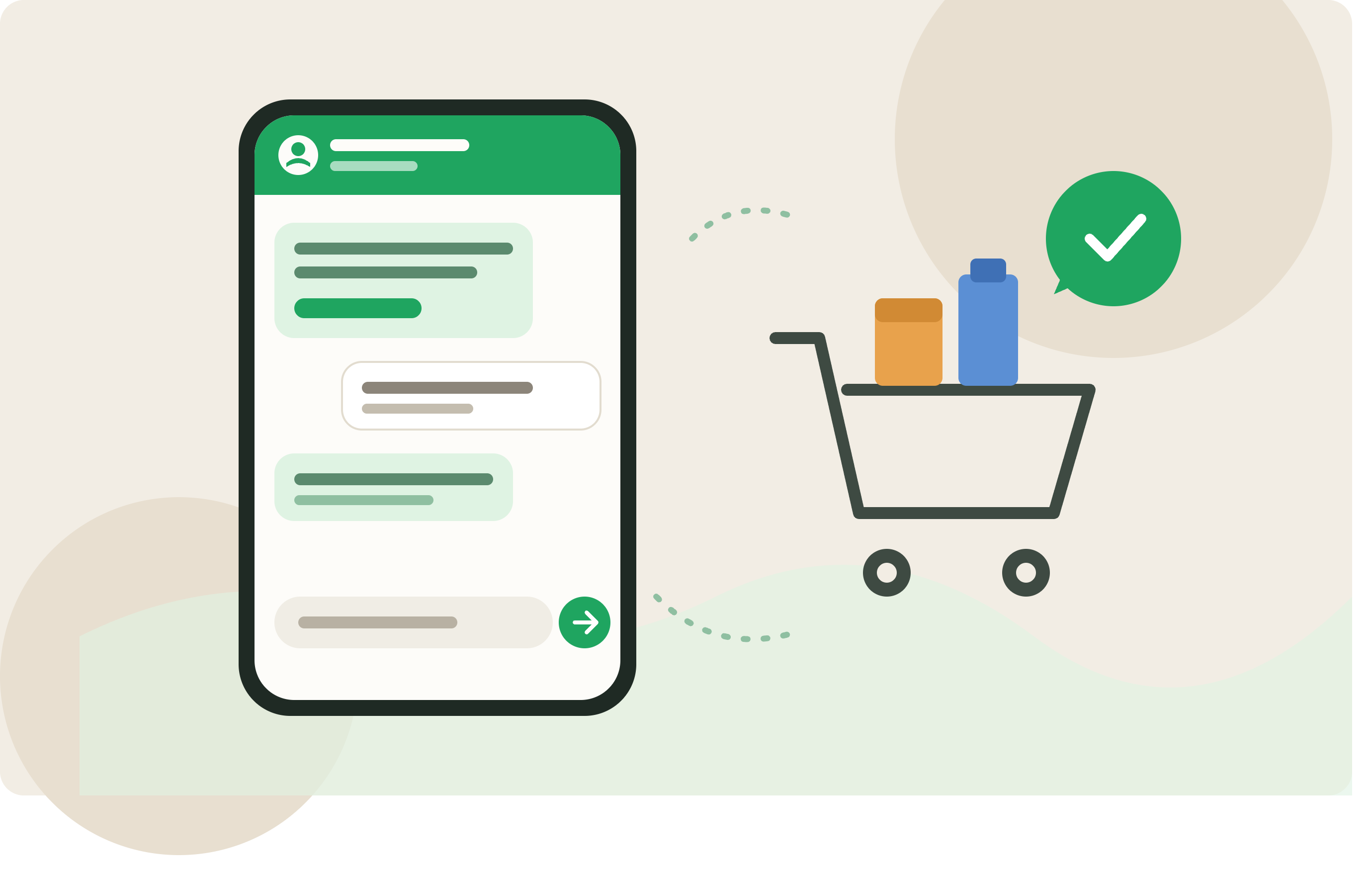
A shopper adds products to cart, starts checkout, then disappears. Maybe the shipping cost surprised them. Maybe they wanted to ask one question before paying. Maybe they chose cash on delivery and got distracted before finishing.
Shopify can send abandoned checkout emails. Those emails are useful, but they are easy to miss in markets where buyers talk to stores on WhatsApp first. A WhatsApp abandoned cart message can bring the conversation back to the place the customer already uses for delivery questions, payment proof, and order changes.
The goal is not to chase every visitor. The goal is to recover the carts where a short message can remove doubt and get the customer back to checkout.
Start with the right abandoned cart
Shopify merchants often say "abandoned cart" when they mean a few different situations.
One customer added a product to cart but never entered contact details. Another reached checkout and left a phone number. Another selected bank transfer or cash on delivery, then left before placing the order.
WhatsApp only works when you have a phone number and permission to use it. For many stores, that means the strongest starting point is the abandoned checkout, not the anonymous cart. If the customer reached checkout and entered a WhatsApp number, your message can mention the product, checkout link, payment option, or delivery area.
A generic "you forgot something" message is weaker. It sounds automated because it is not tied to the customer's actual hesitation.
Why WhatsApp can work better than email
If a customer left because they needed one answer, WhatsApp gives them a simple way to reply. "Do you deliver to Ajman?" "Can I pay on delivery?" "Is this size in stock?" Those questions belong in a chat.
WhatsApp also fits stores where customers do not check email after browsing. In those cases, an email reminder may technically send, but the customer may never see it before the intent fades.
That does not mean WhatsApp should replace email everywhere. Email is quieter and can carry more detail. WhatsApp should be used for the short moment where a buyer is close enough to purchase that one clear message may help.
What to send in the first message
The first abandoned cart WhatsApp message should remind the customer what they were buying and make the next step easy. It should also invite a reply if something blocked checkout.
For example:
"Hi Sara, you left your checkout open for the black linen abaya. You can complete it here: [checkout link]. Reply here if you need help with size, delivery, or payment."
That message is plain. It gives the customer a path back and a reason to reply.
For a store with cash on delivery, the message can mention COD only if it helps:
"Hi Sara, your checkout is still open. Cash on delivery is available for this order. Complete it here: [checkout link]."
For bank transfer-heavy stores, the abandoned checkout message can answer the payment concern before the customer asks:
"Hi Sara, your checkout is still open. If you choose bank transfer, the payment details will appear after checkout. Complete your order here: [checkout link]."
Do not stuff the message with product benefits, discount codes, policy text, and support links. If the customer was close to buying, clear the path back to buying.
Be careful with discounts
Discounts can recover orders, but they also train customers to wait.
If your first WhatsApp abandoned cart message always includes a coupon, regular buyers may learn to abandon checkout on purpose. For small stores, that can quietly eat margin.
A better first test is a no-discount reminder. Use the first message to answer the objection that stops checkout, whether that is delivery time, COD availability, exchange policy, or payment instructions.
For COD stores, a discount may not solve the real issue. The customer might have stopped because they did not trust the store or did not know when delivery would happen.
Timing matters more on WhatsApp
An abandoned cart email can arrive a few hours later without feeling strange. A WhatsApp message feels closer. Send it too quickly and it can feel like the store is watching the customer type.
For many Shopify stores, one message after a short waiting period is enough. A low-cost COD item might need a faster nudge than a higher-ticket product where the customer compares options.
Avoid sending several WhatsApp reminders in one day. A second message can help when it adds something new, such as a payment reminder for a transfer order. Repeating the same line with more urgency usually makes the brand look worse.
Segment COD and transfer orders
COD and bank transfer customers often abandon for different reasons than card customers.
A card customer may leave because they do not want to pay now. A COD customer may still be deciding whether the order is worth receiving at the door. A bank transfer customer may be unsure how the payment process works.
If the customer selected COD before leaving, tell them COD is available and keep the return link obvious. If COD is only available in some cities, say that at checkout and avoid promising it in WhatsApp for everyone.
If the customer selected bank transfer or manual payment, explain the next step in one sentence. Do they place the order first, then transfer? Do they send proof on WhatsApp? Confusion here creates abandoned checkouts.
This is where Lume fits for Shopify merchants who want WhatsApp automations around abandoned carts, COD confirmation, and transfer reminders without stitching separate tools together.
Keep consent and templates clean
Before sending automated WhatsApp recovery messages, check how you collect consent and what your WhatsApp provider requires. If a customer has not messaged your business recently, outbound WhatsApp messages may need approved templates.
Use clear checkout wording. If the customer agrees to receive order and checkout updates on WhatsApp, do not use that permission for unrelated campaigns.
If someone replies "stop", your process should respect it.
Measure replies and recovered orders
Recovered revenue matters, but replies show you why carts were abandoned.
If customers reply with shipping questions, your delivery information is probably unclear. If they ask whether COD is available, make that clearer before checkout. If they ask for bank details, your manual payment flow needs work. If they complain about receiving WhatsApp messages, the timing, consent, or targeting is wrong.
Track how many messages send, how many customers click back to checkout, how many reply, and what they ask. Read the replies.
Start with one abandoned checkout flow
If COD orders are common, start with abandoned checkouts where the customer entered a phone number and showed COD intent. If bank transfer causes confusion, start with those checkouts. If your store sells mostly prepaid orders, start with a plain reminder and support invitation.
Write one short WhatsApp message. Send it after a sensible delay. Watch the replies for a week. The best version will usually come from the customer's own questions.
Send your next order on WhatsApp.
Install Lume on Shopify or Wix. Live in two minutes. 14-day free trial, no card needed.
Start free trial →