A cash on delivery order can look finished in Shopify even when the buyer has not really committed to receiving it.
The customer has entered a name, phone number, address, and payment method. Shopify has created the order. Your team can see it in the admin. But the money has not arrived, and the cost of a bad order starts before the courier reaches the door.
That is why COD confirmation matters. The goal is simple: ask the customer to confirm the order before your team packs it, reserves stock, or sends it out for delivery.
For Shopify stores in COD-heavy markets, this small pause can protect the packing queue from wrong numbers, duplicate orders, weak addresses, and buyers who changed their mind right after checkout.
What COD confirmation means
COD confirmation is a check between checkout and fulfillment.
It is not the same as Shopify's normal order confirmation email. That email tells the customer the order was placed. A COD confirmation asks whether the customer still wants the order and is ready to pay when it arrives.
A useful COD confirmation message answers the customer's immediate questions:
- What order are we talking about?
- How much will I pay on delivery?
- Where will it be delivered?
- What do I need to do now?
The message should also make cancellation easy. That sounds risky, but it is better to learn the customer does not want the order before a team member packs it and a courier attempts delivery.
Why COD orders need a separate flow
Prepaid orders and COD orders carry different risks.
With a prepaid card order, payment usually proves intent. The customer can still cancel or return, but they have already crossed an important line. With cash on delivery, the order can be placed by someone who is curious, distracted, unsure, or using a fake phone number.
That does not make COD bad. In many markets, COD is the payment method customers trust most. It helps first-time buyers order from a store they do not know yet.
The problem comes when COD orders go straight into fulfillment without a check. Every weak order then competes with real orders for stock, packing time, and courier capacity.
If your team already calls customers to confirm COD orders, the standard Shopify flow is not enough for your operation. WhatsApp can turn part of that manual calling work into a written confirmation flow.
The simplest Shopify COD confirmation workflow
Start with a flow your team can actually follow.
- A customer places a COD order in Shopify.
- The customer receives a WhatsApp message asking them to confirm.
- The customer replies with a clear option, such as 1 to confirm or 2 to cancel.
- Confirmed orders move to packing.
- Canceled or silent orders stay out of the normal fulfillment queue until someone reviews them.
Step five is the part that matters. If unconfirmed COD orders still get packed automatically, the message is only a receipt.
You can keep the hold simple at first. Add a tag such as COD pending confirmation, use a saved view in Shopify, or route COD orders into a review step before fulfillment. The exact setup depends on your apps and warehouse process, but the rule should be visible to the team: no confirmed reply, no normal packing.
What the WhatsApp message should say
The first message should be short enough to understand on a phone screen.
Here is a plain version:
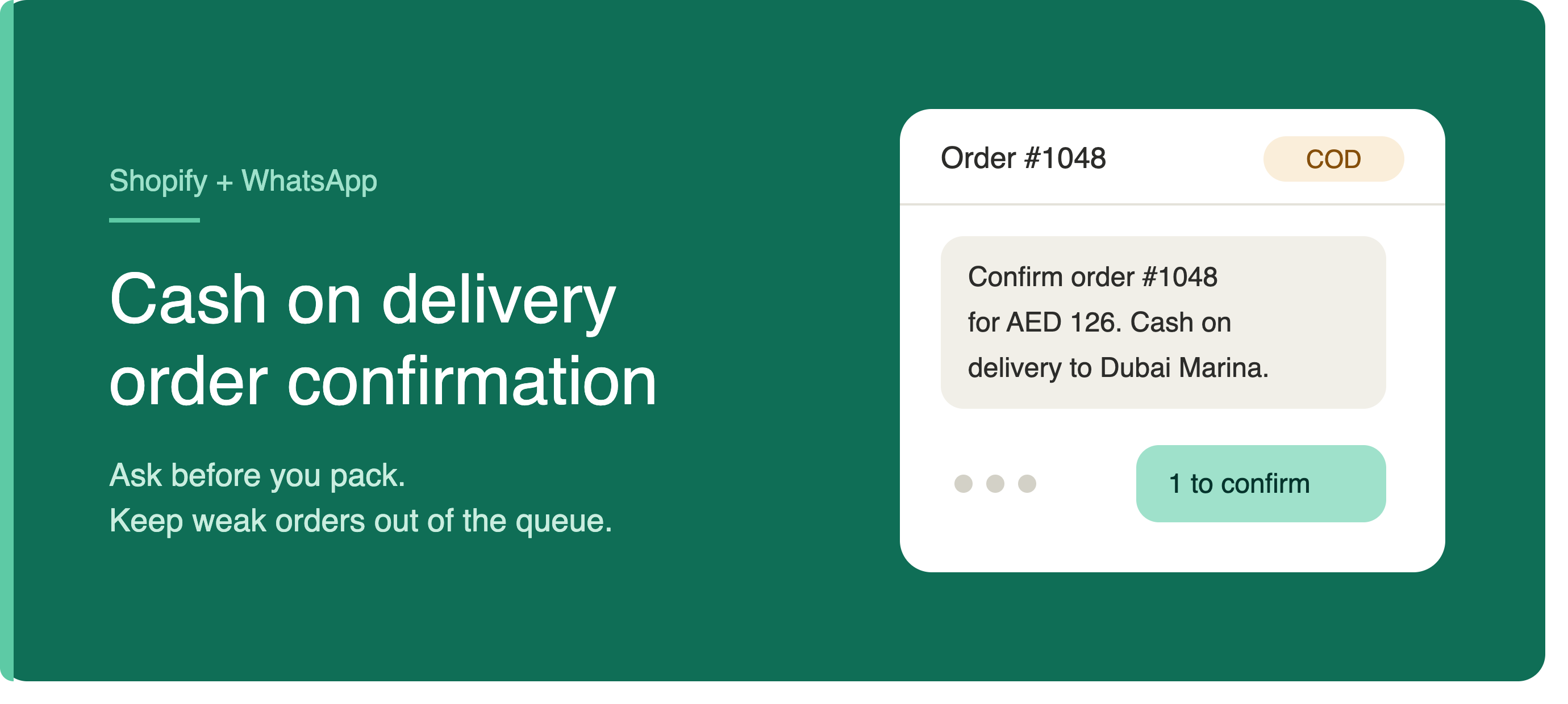
"Hi Sara, please confirm your Shopify order #1048 for AED 126. Payment is cash on delivery to Dubai Marina. Reply 1 to confirm or 2 to cancel."
That message names the order, shows the amount due, mentions the delivery area, and gives the customer two simple replies.
If address errors are common, add one line:
"If the address is wrong, reply with the correct area and building name."
If customers often ask when the order will arrive, add a delivery expectation only if you can stand behind it:
"Confirmed orders usually ship the next business day."
Do not turn the confirmation into a sales message. Avoid product pitches, discount codes, policy paragraphs, and long explanations of how COD works. The customer already placed the order.
Handle silent customers carefully
Some customers will not reply. That does not always mean the order is fake.
They may be at work. They may see the message later. Your process should separate urgent fulfillment from review, not delete every silent order immediately.
A reasonable first version is one confirmation message, then one reminder if the order is still unconfirmed after a set period. Keep the reminder factual:
"Hi Sara, we still need your confirmation for COD order #1048 before packing. Reply 1 to confirm or 2 to cancel."
After that, send the order to manual review. For higher-value orders, your team may still call. For low-value orders, you may decide not to ship without a WhatsApp reply.
Watch for duplicate orders
COD confirmation also helps spot orders that should not enter the packing queue. Look for the same phone number placing multiple similar orders in a short time, incomplete addresses, and unreachable numbers.
Keep the customer-facing flow polite. Put the risk checks inside your Shopify workflow where the team can see them. A support person can then message:
"Hi Sara, we received two COD orders from your number today: #1048 and #1049. Which one should we prepare?"
That is better than shipping both.
Where Lume fits
For Shopify merchants who rely on WhatsApp, Lume can help automate COD confirmations, order updates, abandoned cart messages, and bank transfer reminders.
The practical value is connecting the message to the order status your team uses. A COD confirmation flow should help the store decide what gets packed next.
Check consent and message rules
Before sending automated WhatsApp messages, make sure your checkout wording and WhatsApp provider setup allow the message.
If the customer has not recently messaged your business, outbound WhatsApp messages may need approved templates. Keep those templates specific to the order. A confirmation message is easier to justify when it is clearly about an order the customer just placed.
Also make the opt-in honest. If checkout says customers may receive order updates on WhatsApp, use that permission for order updates. Do not quietly turn it into promotional broadcasting.
Start with one clean rule
The first version does not need to be complicated.
Pick one rule: COD orders do not move to packing until the customer confirms on WhatsApp or a team member reviews them.
Then write the shortest message that supports that rule. Include the order number, total amount, delivery area, and reply options. Watch the unconfirmed queue for a week and adjust based on what your team sees: wrong addresses, duplicate orders, confused customers, or no-reply orders that still look legitimate.
COD confirmation works when it changes what happens before fulfillment. The message is only useful if it keeps weak orders out of the packing queue and lets real buyers confirm without friction.
Send your next order on WhatsApp.
Install Lume on Shopify or Wix. Live in two minutes. 14-day free trial, no card needed.
Start free trial →