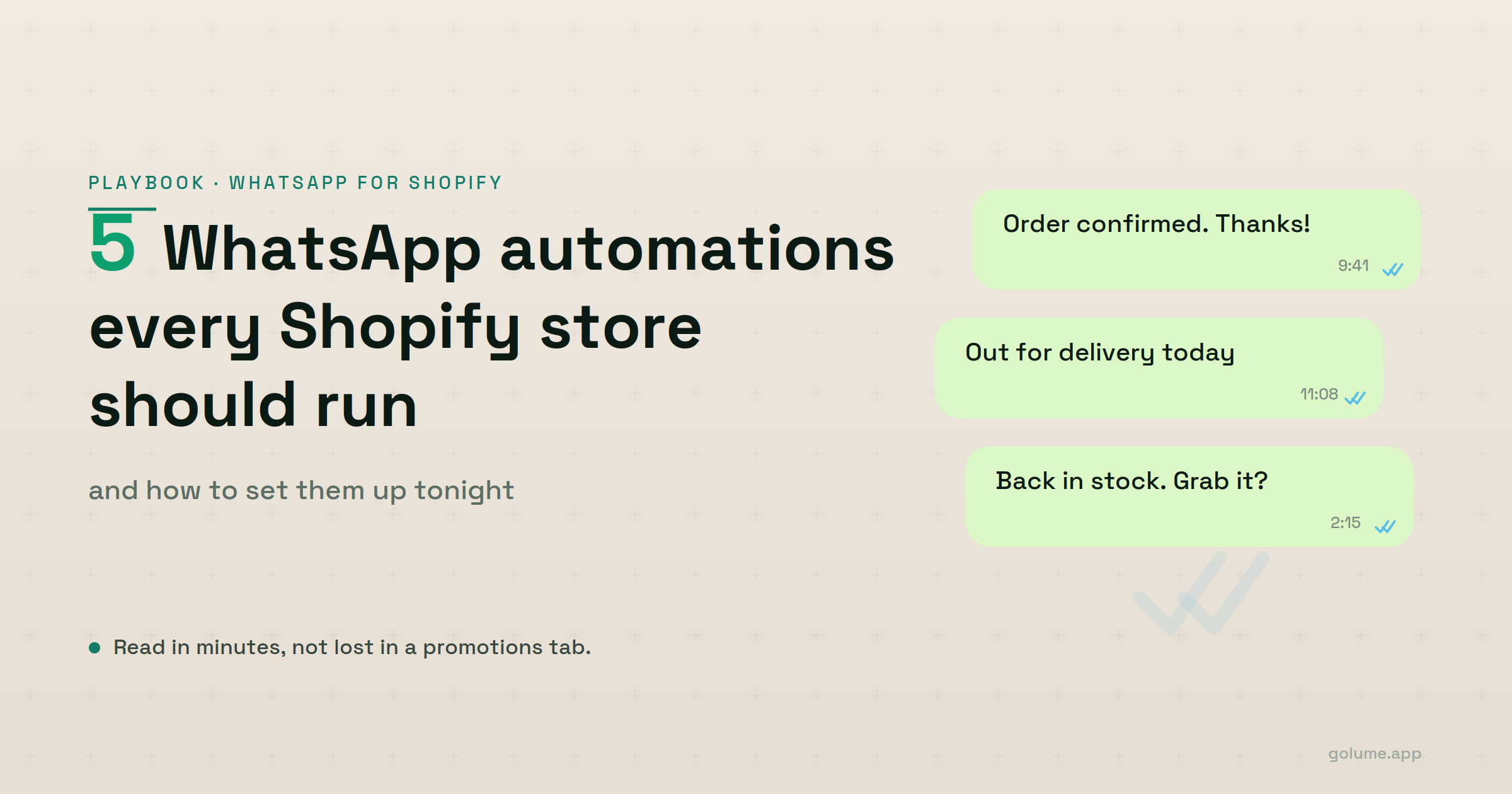
Your last email campaign got a 19% open rate and you were happy about it. That's the bar now. Promotions tab, unread, gone.
WhatsApp is a different animal. Meta for Business puts its open rates around 98%, most of them within minutes, while email opens sit near 20%. People read WhatsApp because it's where their friends and their landlord and their kid's school already live, and your "order shipped" message shows up in that same thread.
That's the pitch. The honest part is that WhatsApp isn't free and it isn't a free-for-all. The Business API bills you per conversation, somewhere between $0.005 and $0.08 depending on the country and the type of message, and it makes you collect explicit opt-in before you send anything. You can only message someone freely for 24 hours after they last contacted you. Ignore any of that and Meta will throttle you or shut you down. Play inside the lines, and you've got the highest-attention channel in ecommerce.
Five automations earn their place. Here they are, in the order I'd build them.
1. Abandoned cart recovery
This is the one that pays for everything else. Cart abandonment across ecommerce sits around 70%, and most of those shoppers liked your product enough to add it before something pulled them away.
Email tries to win them back and usually whiffs, because it lands 40 minutes later in a tab nobody opens. WhatsApp lands where they already are.
Timing beats copy here. Send one nudge about an hour after they bail, late enough that they've actually gone, early enough that the cart is still warm in their head. If that one goes quiet, send a single follow-up the next day. Stop there.
This is where people get greedy and fire off a fourth and fifth message. On email that just gets ignored. On WhatsApp it gets you blocked and reported, and once Meta flags your number you can't reach anyone, including the customers who genuinely wanted to hear from you. So you hold yourself to two.
2. Order confirmations
Send this the second checkout closes. Not five minutes later. The instant it clears.
It looks like a receipt, but that's not what it's for. Its real job is the flicker of doubt right after someone hands a stranger online their card number. Did that go through? Am I about to get charged twice? A message that hits their phone before they've even closed the tab answers the question before they finish asking it.
There's a mechanical payoff too. People reply to confirmations. A "thanks" or a "can I still change the size?" reopens that 24-hour window, and now you can message them freely about a shipping delay or a stock issue or whatever comes next. The confirmation isn't only a trust signal. It's the thing that keeps the rest of the conversation legal.
Keep it boring. Order number, what they bought, what happens next, and a line telling them they can reply right here. No promo code. Staple a discount onto a confirmation and it reads as one more ad, and you've spent the trust you just earned.
3. Shipping updates
Three triggers: shipped, out for delivery, delivered. Each one fires off the carrier event.
This automation doesn't make you money directly. It saves you from the tickets you'd otherwise spend your evening answering. "Where's my order" is the most common question in ecommerce support and almost every one of those exists because the buyer has no idea where their package is. Answer it before they ask, and they never ask.
The out-for-delivery message is the one to get right. It's the update people actually care about, the one that makes them clear the porch or text a neighbor to grab the box. Delivered is mostly for the record.
There's a quieter benefit too. Every useful message you send teaches people that your number is worth opening, which is precisely the habit you want in place before a back-in-stock ping shows up later.
4. Reorder nudges
If you sell consumables (coffee, supplements, skincare, dog food, anything with a runway), you can do basic arithmetic on when a customer runs dry and message them a couple of days ahead of it.
The math carries the whole argument. You bought that first sale with ad spend. The reorder costs you a fraction of a cent in conversation fees. Land three or four of them and a single $40 order quietly becomes $160 or $200 of lifetime value, with basically no acquisition cost after the first hit.
Now the catch, because there is one. This is the fiddliest automation to time. Go too early and you're nagging someone with a full jar. Go too late and they've already rebought from whoever pinged them first. You need a half-decent guess at how fast people actually get through the product, and most stores have never measured that.
So if I could only keep two automations running, this is the first one I'd drop. It's excellent for the right catalog and useless for the wrong one. Sell one-and-done products and you should ignore it completely, then put that effort into the other four.
5. Back-in-stock alerts
Someone landed on your sold-out page and tapped "notify me." That tap is the whole story. They'd already made the decision; the only thing in their way was your inventory.
So this converts better than anything else here, because you aren't talking anyone into it. You're telling them the thing they already wanted is buyable again.
Speed is the entire game. The second stock lands, the message goes, and on WhatsApp it gets read fast enough to matter before the popular size sells out a second time. An email about a restock tends to get opened the next morning, by which point you're back to sold out and the moment is gone.
Keep the list honest. Only message the people who opted in for that specific product, link straight to the page, and get out of the way. No upsell, no "since you're here." They told you exactly what they want, so let them buy it.
Where to actually start
Run the five and the channel your customers actually read starts doing the work email gave up on years ago.
Here's the annoying part, and it is genuinely annoying. Setting these up one at a time is a grind: connecting the WhatsApp Business API, getting each message template approved by Meta, wiring every flow to the right Shopify event, then testing the whole thing without accidentally spamming live customers. Wati, Charles, Interakt, and SuperLemon each handle pieces of this well, but most of them still hand you the flows to build and babysit yourself.
Full disclosure, since you should know where I'm sitting: I work on Lume (golume.app). It turns all five of these on by default for Shopify and Wix, installs in about two minutes by scanning a QR code, and runs on a single $29/month plan. It's made for an owner who wants this live tonight, not an enterprise team that needs a bespoke CRM. If you're the second one, this isn't your tool. If you just want the flows running without the setup tax, that's the whole idea.
Whatever you pick, build abandoned cart recovery first. It's the one with revenue attached, it covers the cost of the rest, and within a week you'll know whether WhatsApp is worth your time at all. Get it live, watch it for a few days, then add shipping updates. The other three can wait until those two are paying for themselves.
Send your next order on WhatsApp.
Install Lume on Shopify or Wix. Live in two minutes. 14-day free trial, no card needed.
Start free trial →